Using the People tab
Use the People tab to manage the employee records in WORKSuite.
- Select the People tab.
All employee records are listed when you first open the tab:
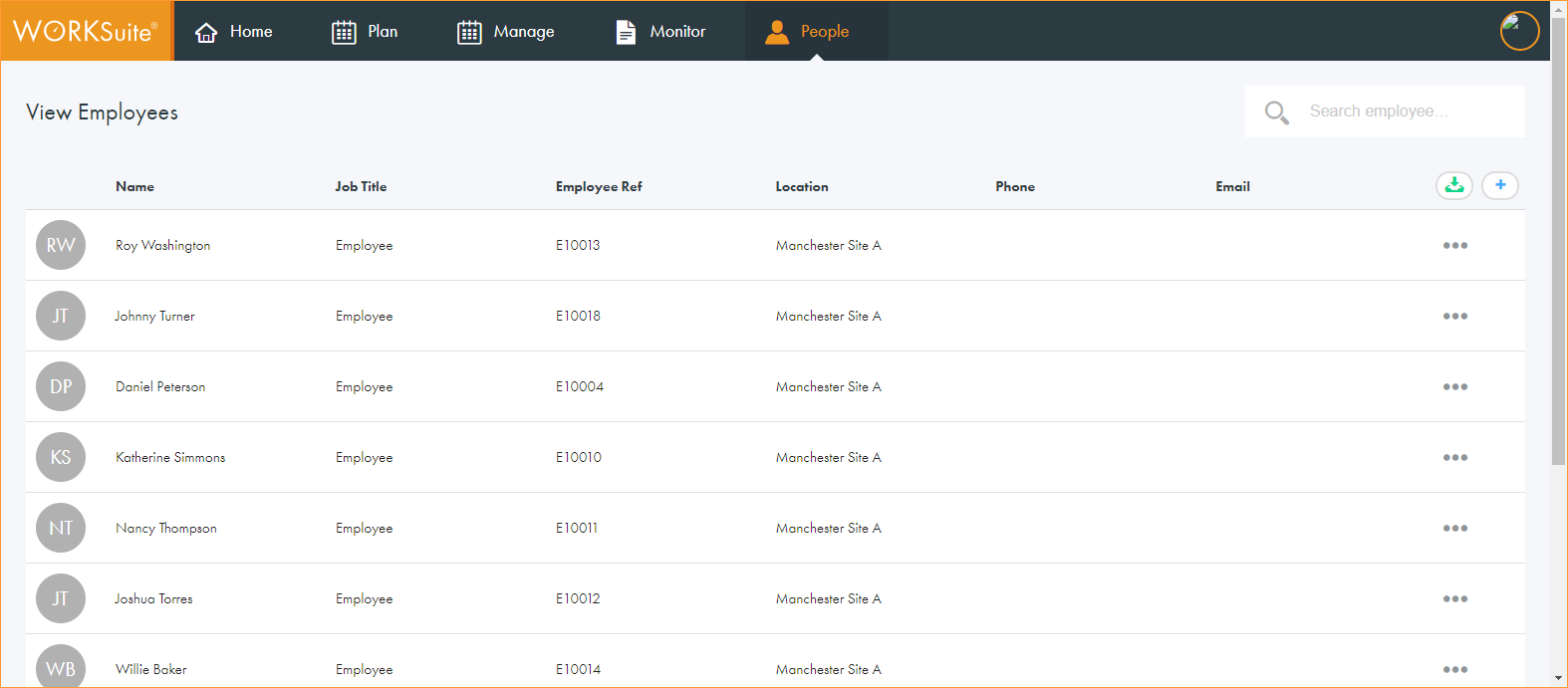
- Click in any of the column headers to sort the records as required.
- Use the navigation tools at the bottom of the screen to determine the number of records that are displayed on the screen and move through the pages of records.
- Choose to:
- Import employee records. This is currently in development.
- Add a new employee record.
- Update basic employee details, such as job title and contact details.
- View and update employee record details.
- Delete an employee record.
- Send a password reset email to an employee.
- Contact an employee.